
Cross-border payments
Use POST /api/v2/payments/cross-border when your bank account is connected using ZTL.
This is different from FX without bank integration.
Build and validate the request
Section titled “Build and validate the request”- Call
GET /api/countryfor supported recipient countries. - Call
GET /api/currenciesand verify that the payment currency is supported. - Call
GET /api/country/{country}/paymentrequirementfor the recipient country-specific requirements and build your payment request based on the response. - When regulatory reporting applies, list the applicable codes from
GET /api/v2/payments/regulatory-reporting/codes/{countryCode}and present to the sender. - Validate the complete request locally, then handle the validation errors field by field in cases of
400and422responses.
Create, approve, and poll
Section titled “Create, approve, and poll”- Create with
POST /api/v2/payments/cross-borderand storepaymentId. - Present the values from the response to the customer without recomputing them.
- Start approval with
POST /api/v2/payments/approve, store the approval ID, and present redirect url or QR for SCA. - Complete additional approval if the payment is
PartlySigned. - Poll
GET /api/v2/payments/approve/{id}andGET /api/v2/payments/{paymentId}/statusindependently.
Subscribe to payment status webhooks for updates to the payment’s public status, including later changes. Continue checking approval status separately and use the payment status API for reconciliation.
When the currency exchange is provided by ZTL, the underlying funding payment must be signed before the returned quote deadline (usually 2 minutes). Do not hard-code that deadline.
If the due date is today, or tomorrow when creating after 16:00, warn the user when the available balance is lower than the payment amount. This reduces the risk of delay or cancellation.
Use the domestic payment status and approval tables for the shared status model.
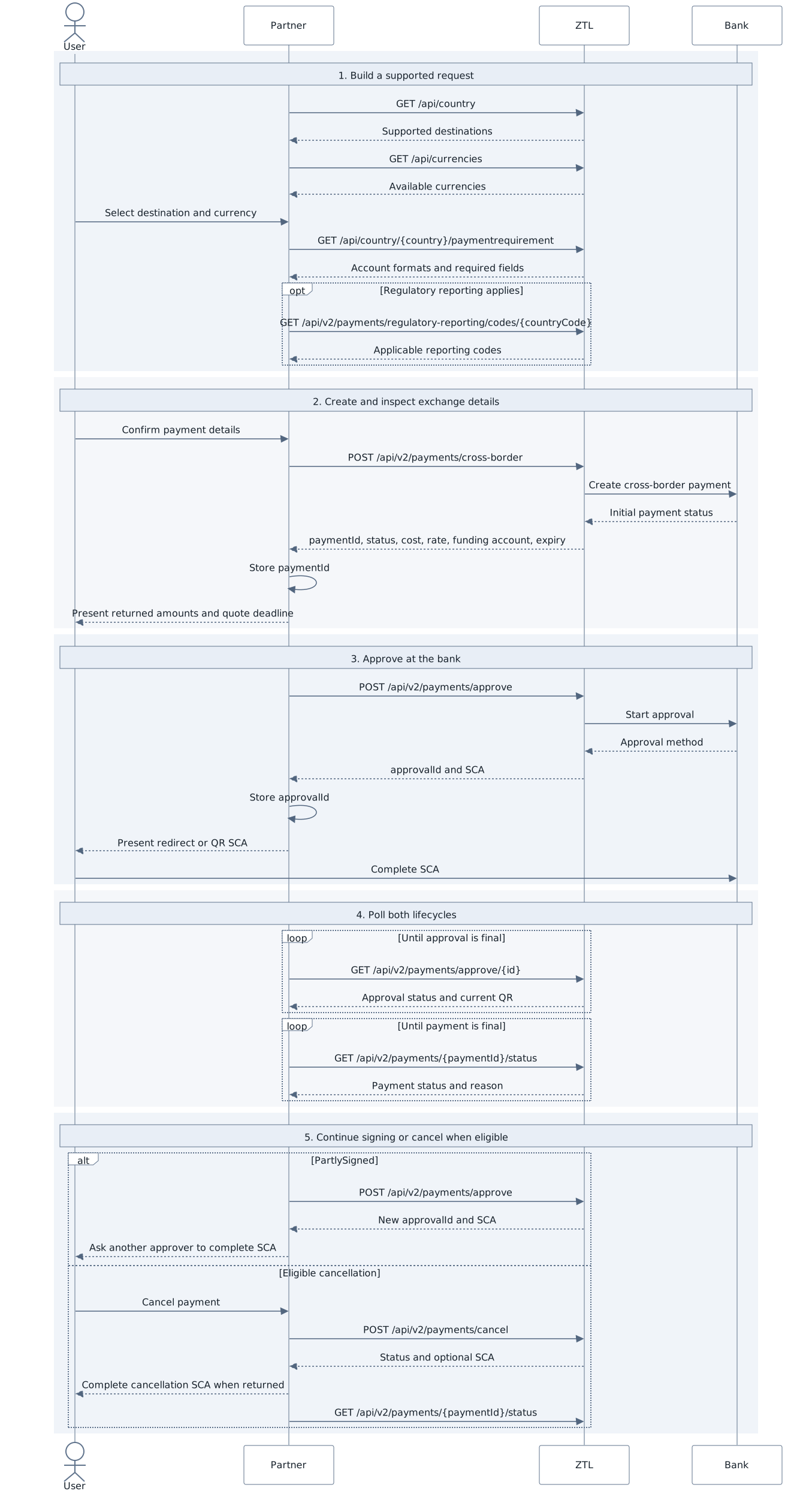
The diagram is supplemental; the ordered steps communicate the same flow.
Payment progress PDF
Section titled “Payment progress PDF”GET /api/v2/payments/{paymentId}/progress-pdf produces a report only for a
cross-border payment with exchange in an eligible state:
| API state | Report label |
|---|---|
InProgress, before ZTL receives funding |
Scheduled |
InProgress, after ZTL receives funding |
In progress |
Completed |
Sent to bank |
The following full-size links show synthetic product-output examples. They are examples of generated reports, not integration flow diagrams.
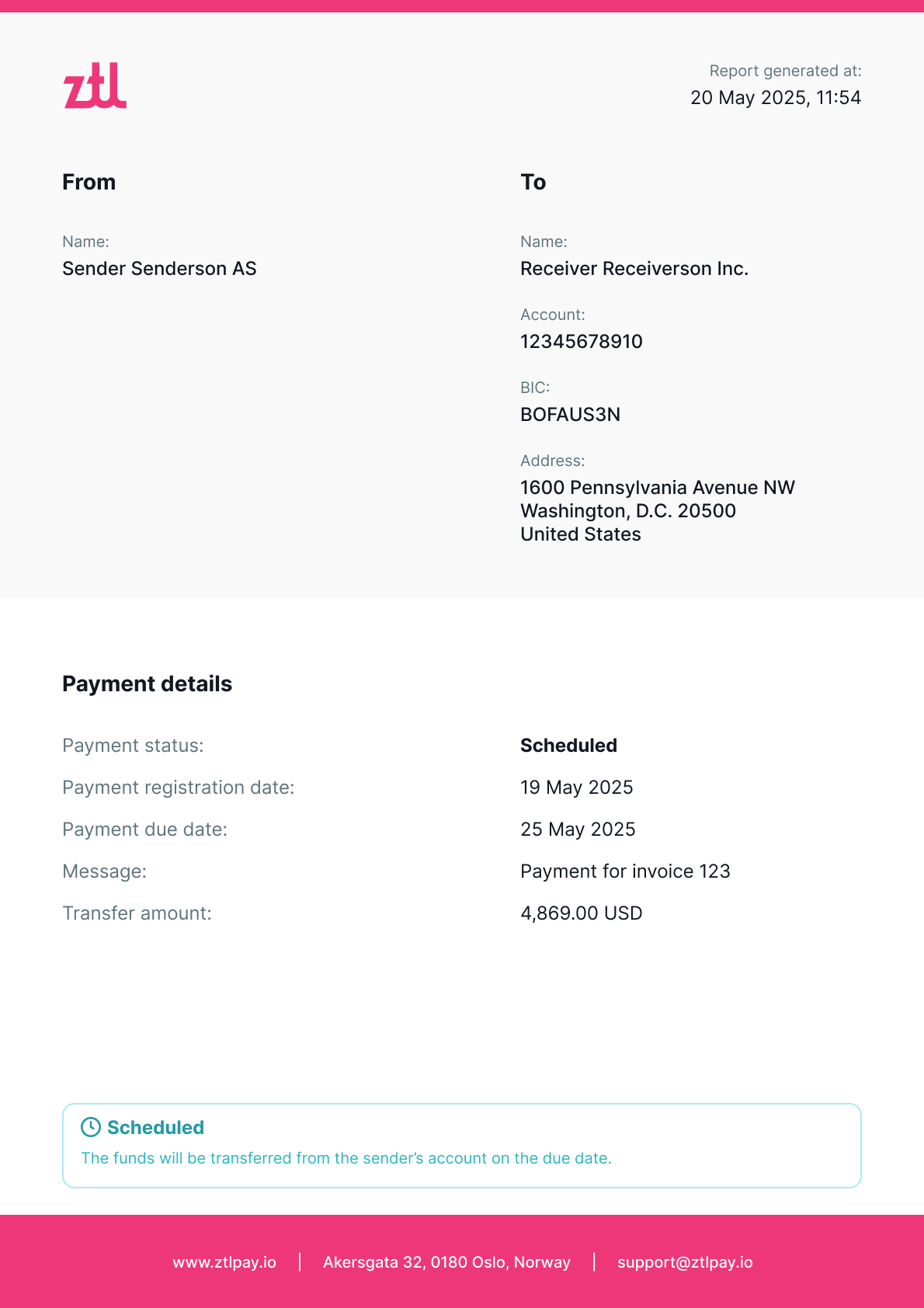
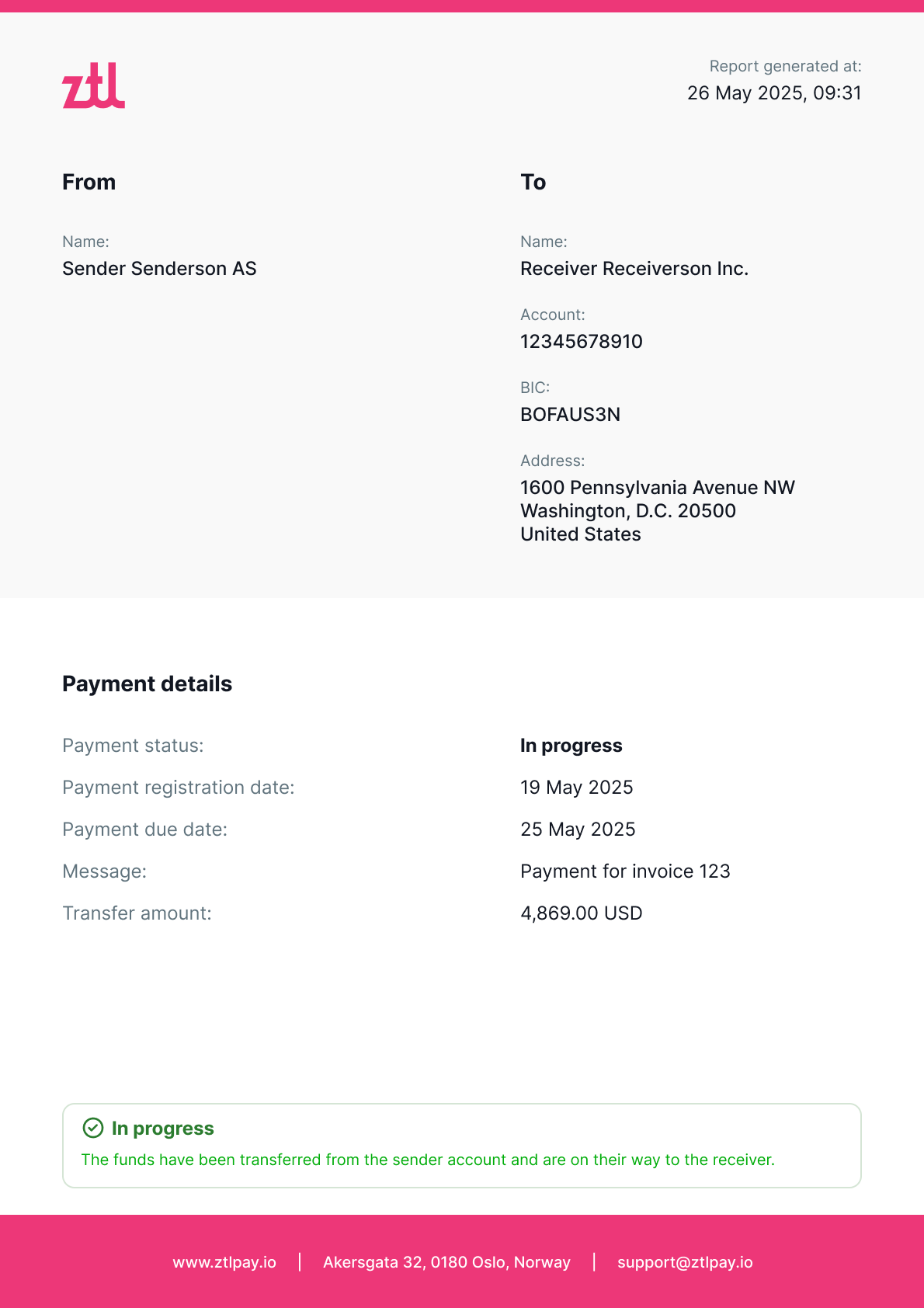
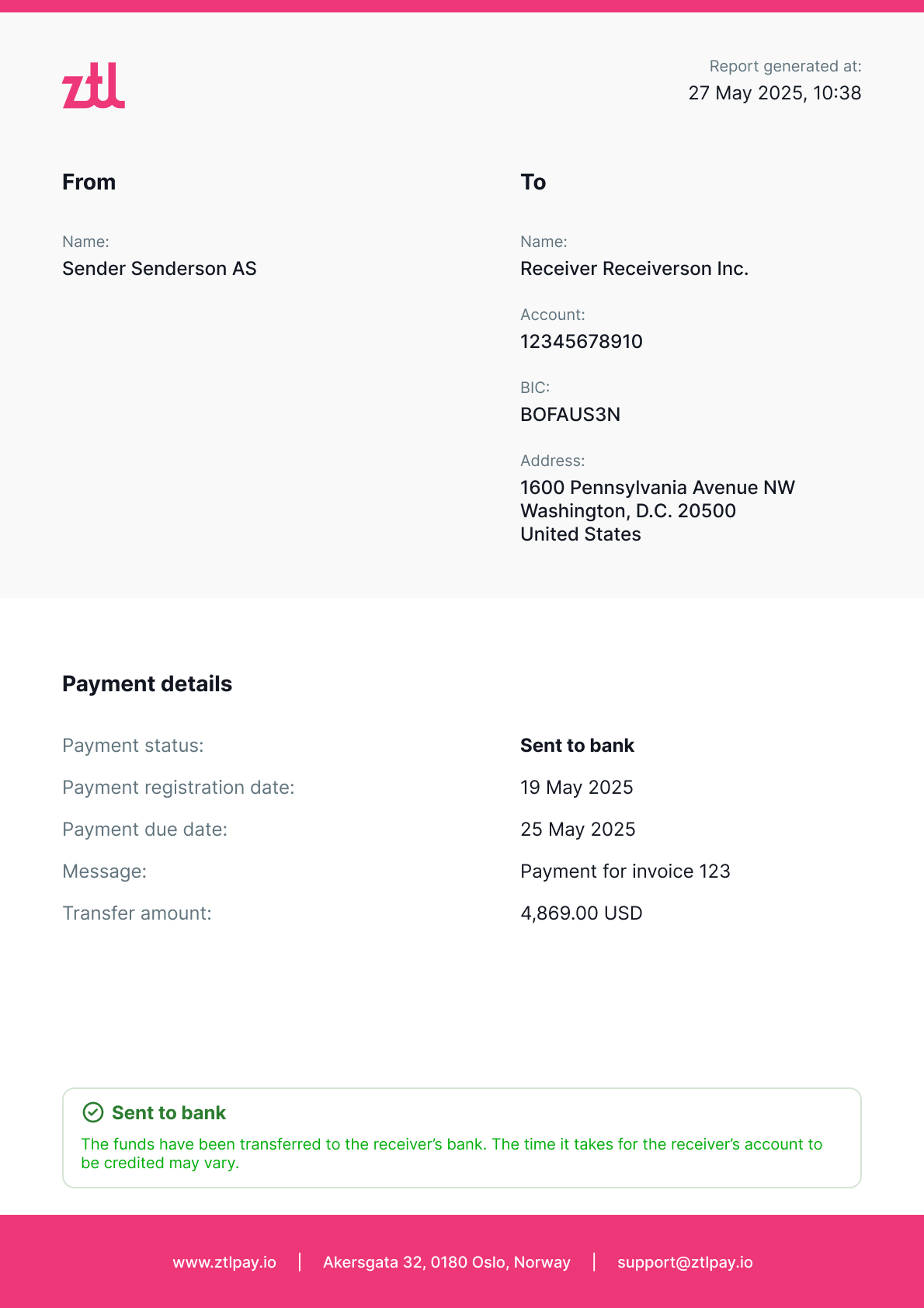
The report communicates the latest known progress; it does not replace API status polling or bank reconciliation.